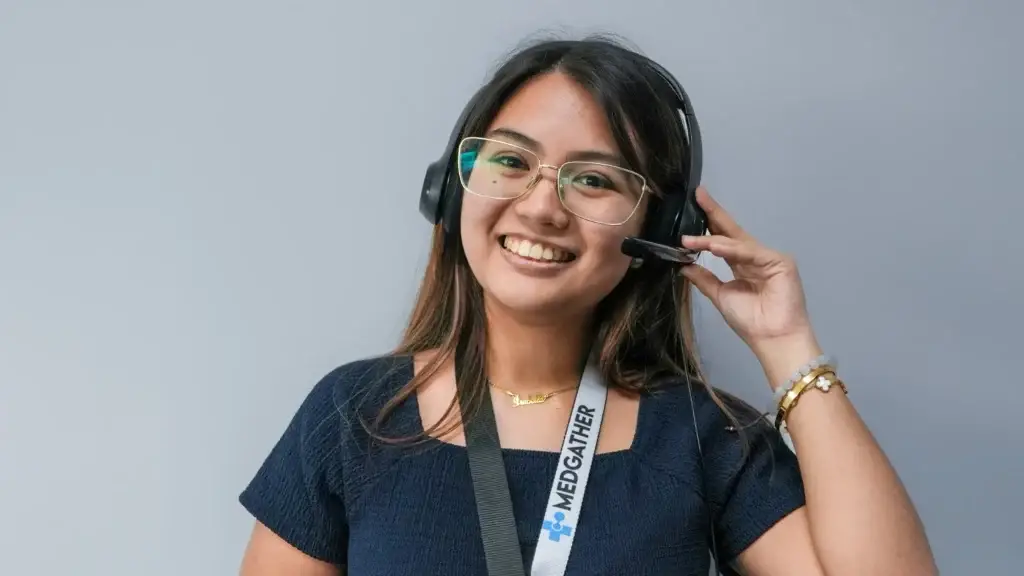
Stop losing patients to hold times. MedGather places full-time, HIPAA-trained staff from our supervised facility in Cebu City, Philippines to run your front desk remotely. Your calls get answered, your schedule stays full, and you do not add a single person to your in-office payroll.

Not an answering service that takes a message and hangs up, and not a phone tree. A trained person who handles your front desk phone line as part of your team.
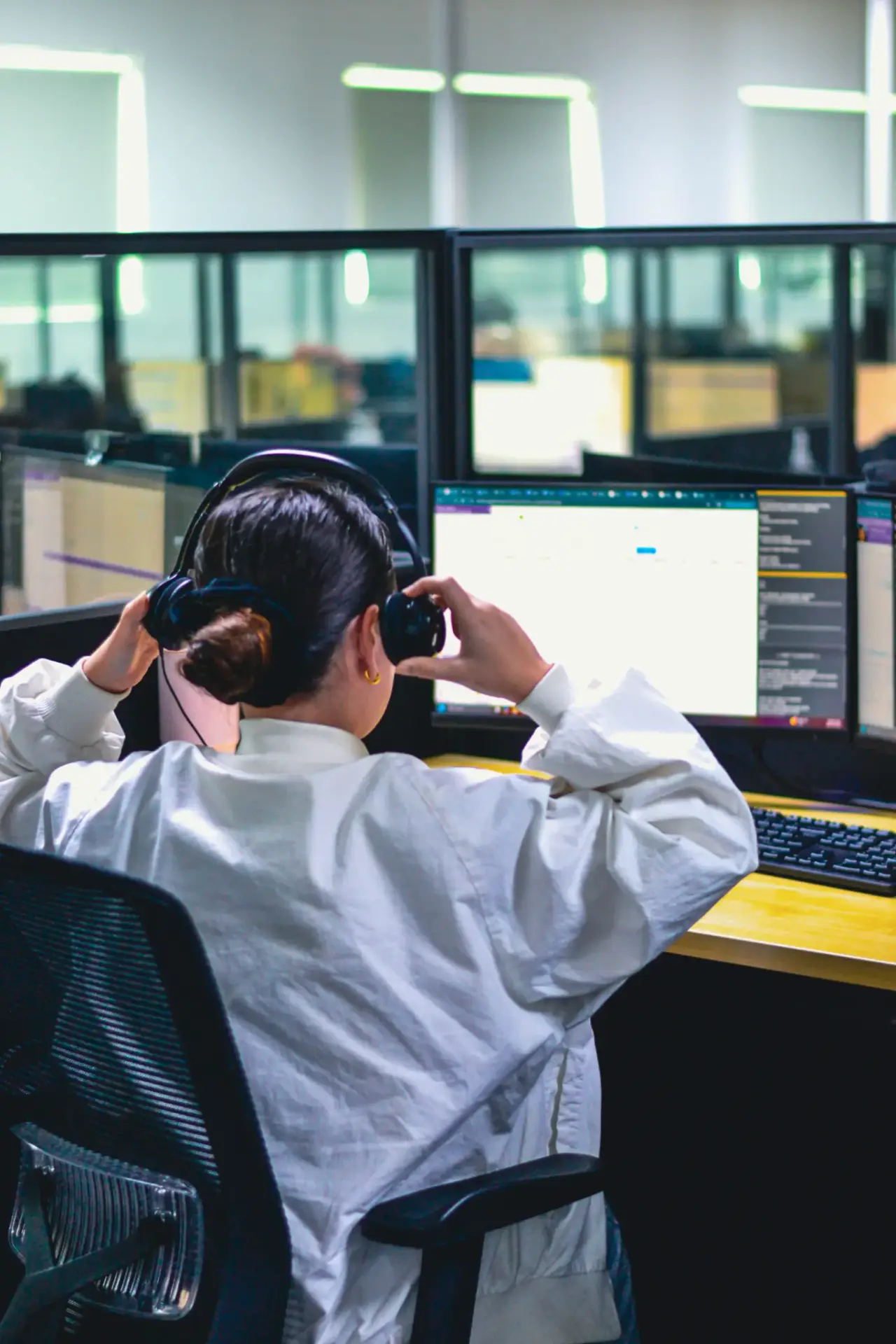
A remote front desk for clinics is an off-site administrative team that handles the phone calls, scheduling, and patient communication functions your in-office staff would otherwise manage. The staff work from our supervised facility in Cebu City, Philippines, operate under a signed Business Associate Agreement, and are trained on your EHR and scheduling workflows before their first shift.
The role is not a call center and not an answering service. The people placed through MedGather work exclusively for your clinic, follow your protocols, and are reachable the same way an in-house receptionist would be.
What a remote front desk does not do: clinical triage, billing, coding, or revenue cycle management. Those functions stay with your in-house clinical and billing teams.
DefinitionRemote front desk for clinics: a dedicated, off-site administrative team that answers patient calls, books appointments, verifies insurance eligibility, and manages patient intake from a supervised facility outside the clinic.
These two terms describe related but distinct things. The confusion is understandable because the functions overlap, but the framing matters when you are evaluating what to hire for.
A medical virtual receptionist is a role. One trained person handles inbound calls, scheduling, and basic administrative work. It is a good fit for a solo or two-provider practice where front desk volume is manageable and predictable.
A remote front desk for clinics is a function. It describes the entire administrative entry point of your practice, which may be handled by one person or several, depending on call volume, specialty, and patient panel size. It includes scheduling, insurance verification, prior authorizations, patient intake follow-ups, and coordination between departments.
The two are not competing services. Many MedGather clients start with one medical virtual receptionist and expand their remote front desk support as the practice grows.
| Medical Virtual Receptionist | Remote Front Desk for Clinics | |
|---|---|---|
| What it describes | A single trained role | A full administrative function |
| Best fit | Solo or small practices | Multi-provider or high-volume clinics |
| Staff count | One person | One or more, scaled to volume |
| Task scope | Calls, scheduling, basic admin | Scheduling, insurance, prior auth, intake |
| Scales with growth | Requires adding staff | Designed to scale with clinic volume |
See how a medical virtual receptionist is placed and what that role covers.
The range of tasks depends on your workflow, but the core functions stay consistent across specialties.
Call and message management
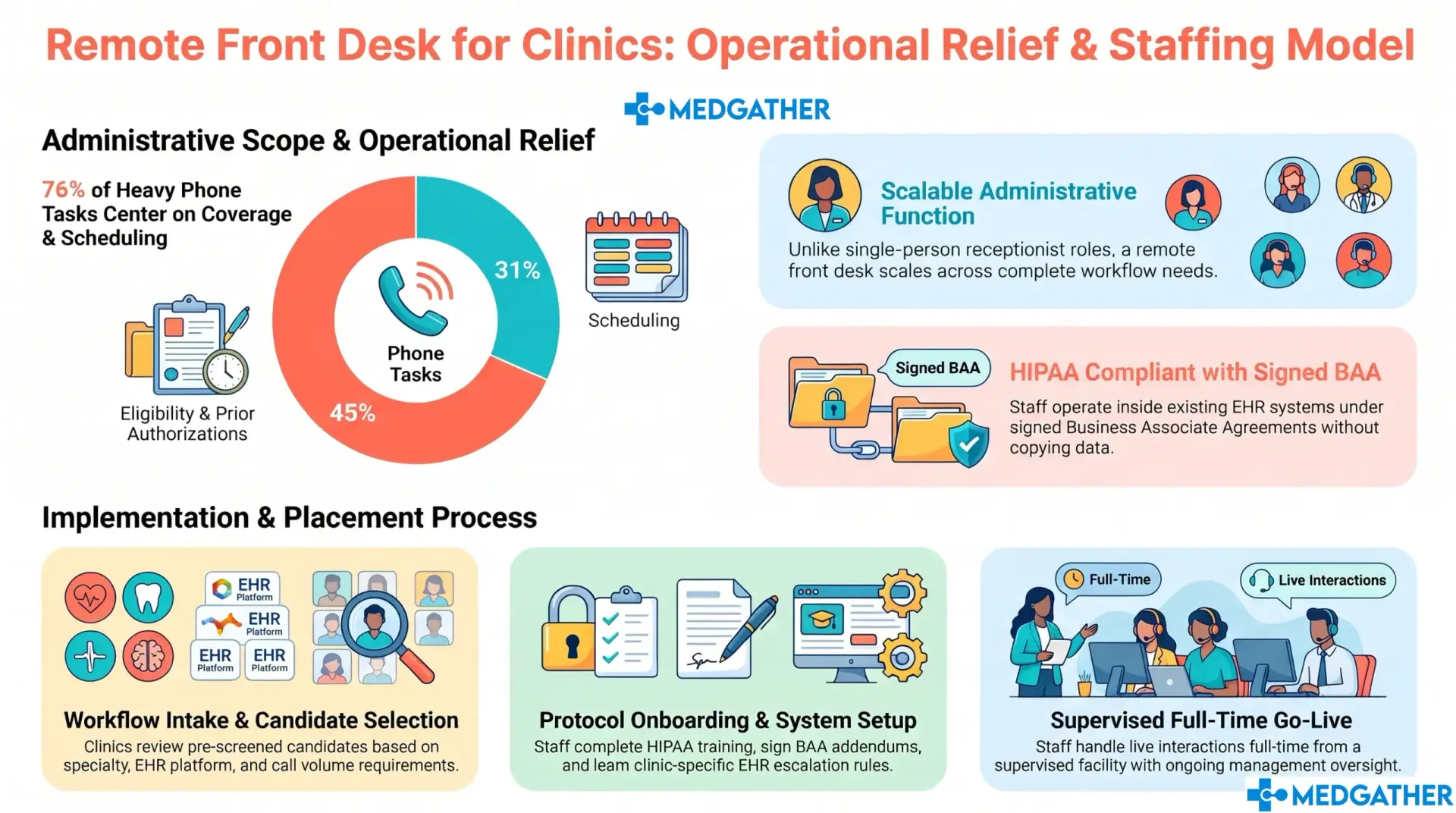
Your remote front desk staff member answers inbound calls, returns missed calls, responds to patient portal messages, and manages after-hours routing. According to MGMA’s March 2026 data, eligibility verification and prior authorization account for 45 percent of the most time-consuming phone tasks in a medical practice, with scheduling close behind at 31 percent. A remote front desk addresses both categories without pulling your clinical staff away from patient care.
Source: MGMA Stat, March 11, 2026, mgma.com/mgma-stat/phones-are-still-a-backlog-costing-medical-practices-time
MedGather’s after-hours support service covers follow-up outside office hours.
Scheduling and appointment management
The staff member books new patients, confirms and reschedules existing appointments, manages cancellation follow-up, and maintains your schedule template inside your EHR. This includes waitlist management if your practice uses one.
See how MedGather handles patient scheduling inside your existing workflow.
Insurance verification and prior authorizations
Before a patient arrives, your remote front desk team confirms active coverage, checks benefit limits, and initiates prior authorization requests where required. These tasks carry real payer hold times. Keeping clinical staff off those calls protects care delivery time.
New patient intake
Your staff member collects demographic and insurance information from new patients, confirms consent form completion, and flags missing documents before the appointment date. Intake gaps that surface at check-in create delays. A remote front desk closes those gaps the day before.
HIPAA-compliant data handling
All patient information is handled inside HIPAA-compliant systems. MedGather signs a Business Associate Agreement with every client. Staff members receive HIPAA training before placement and work inside your existing EHR rather than copying data to external tools. Under HHS guidance, any third party that handles PHI on behalf of a covered entity qualifies as a Business Associate and must have a signed BAA in place before accessing that data.
Source: HHS, “Business Associates,” HIPAA for Professionals, hhs.gov/hipaa/for-professionals/privacy/guidance/business-associates/index.html
The answer depends less on specialty and more on call volume, prior authorization burden, and staffing patterns. That said, certain practice types consistently report the highest demand for remote front desk support.
Multi-provider primary care and family medicine practices
When a practice has two to five providers, the front desk is expected to manage scheduling, phones, and intake for a combined patient panel that often exceeds 3,000 active patients. A single in-office receptionist cannot keep up during high-volume hours. A remote front desk staff member handles overflow and eliminates the missed-call gap.
Specialty practices with high prior authorization demand
Orthopedics, cardiology, radiology, and behavioral health practices routinely submit prior authorizations for most visits or procedures. Each authorization involves faxes, portal submissions, and hold times. Keeping clinical staff off those calls requires dedicated administrative bandwidth that a remote front desk provides.
Concierge and direct primary care practices scaling their patient base
DPC and concierge practices tend to operate lean on administrative staff by design. As a practice adds members, call volume rises before in-office staffing can scale. A remote front desk fills that gap without a long-term hire commitment.
Urgent care chains and multi-site clinic groups
Multi-site groups face uneven call distribution across locations. A remote front desk team can be shared across sites, with call routing managed centrally rather than relying on each site to absorb its own overflow independently.
If your practice uses a medical virtual assistant for clinical support, a remote front desk handles the administrative side separately. Learn more about MedGather’s medical virtual assistant service.
Clinical staff absorb the overflow. Nurses and medical assistants start answering phones between patients. That is expensive coverage for administrative work, and it is a reliable route to turnover.
Every MedGather placement follows a defined process. The goal is that your staff member is trained on your workflow, your EHR, and your protocols before they handle their first patient interaction.
MedGather’s medical virtual receptionist service includes:
A solo practice usually starts with part-time coverage on the main line, enough to stop calls from reaching voicemail during clinic hours. A multi-provider practice more often needs full coverage plus outbound confirmation calls, since the cost of no-shows increases with every unused appointment slot. A multi-site group tends to need call routing rules by location before anything else, so that a caller reaching the main number lands with someone who can see the right schedule. The consultation helps determine which setup actually fits your practice. In some cases, the right solution is smaller and simpler than expected.
Practices that need coverage outside clinic hours can add after hours call answering and message relay alongside the daytime receptionist.
The receptionist works inside your systems, not alongside them. Calls route to them through your existing phone system, and they book directly in the scheduling software your staff already use.
In practice, a day looks like this. Calls forward from your main line during the hours you set. The receptionist answers in your practice’s name, books or moves appointments in your system, and verifies coverage for tomorrow’s schedule between calls. Messages go into the same place your staff already look. Anything clinical is passed to a nurse or provider with the patient details already recorded.
Patients are not told they are speaking to a remote person, because there is no meaningful sense in which they are speaking to an outside company. The receptionist is working your line, in your name, following your rules.
A medical office virtual receptionist does not replace the front desk, and the distinction matters when you are planning coverage. Two things stay with your in house team. Anyone physically in the building still needs a person at the desk, and clinical judgement stays with clinical staff. A virtual receptionist changes who answers the phone, not who runs the practice. A virtual front desk for medical practice works the same way: it changes who picks up the call, not who is responsible for the patient.
Yes, when set up correctly. MedGather executes a Business Associate Agreement with every client before any staff member handles protected health information. Staff receive HIPAA training as part of onboarding and work inside your existing EHR under your access protocols.
Under HHS guidance, any third party that handles PHI on behalf of a covered entity is classified as a Business Associate and must have a signed BAA in place. MedGather provides one for every engagement.
Yes. Coverage during extended hours is discussed during the discovery call and mapped to your practice schedule. Time zones work in your favor: a standard daytime shift in Cebu City, Philippines aligns with US morning and afternoon hours, which covers the highest-volume call windows for most practices.
Placement timelines vary by role and workflow complexity. Your specific timeline is confirmed during your discovery call.
MedGather staff are trained on the EHR platform your practice uses as part of the onboarding process. Platform compatibility and training requirements are confirmed during your discovery call.
An answering service takes messages. A remote front desk takes action.
MedGather staff have EHR access, are trained on your specific workflow, scripts, and escalation protocols, and handle the full range of patient-facing tasks, including scheduling, insurance verification, prior authorizations, and intake. The patient does not experience a difference between MedGather staff and an in-office receptionist.
MedGather does not publish rates. Pricing depends on scope, number of staff, and workflow requirements. Book a discovery call to discuss your needs and receive a proposal specific to your practice.