Healthcare VA vs. Medical Scribe: Which Does Your Practice Need?
Clinics tend to bring in the wrong support because they diagnose the wrong problem. A physician drowning in charts needs a scribe, not a scheduler. A front desk buried in referrals and phone calls needs an admin VA, not documentation help.
MedGather offers both. Getting clear on which one fits your situation means understanding what each role actually covers. For context on how both functions sit within the broader picture, the full list of tasks a medical virtual assistant handles is a useful starting point.
TL;DR: Healthcare Virtual Assistant vs. Medical Scribe
A healthcare virtual assistant (VA) and a medical scribe solve different operational challenges. A medical scribe focuses on documenting patient encounters in the electronic health record (EHR), helping physicians reduce charting time and administrative burden. A healthcare VA manages non-clinical administrative work such as scheduling, insurance verification, referral coordination, patient communication, and medical documentation support.
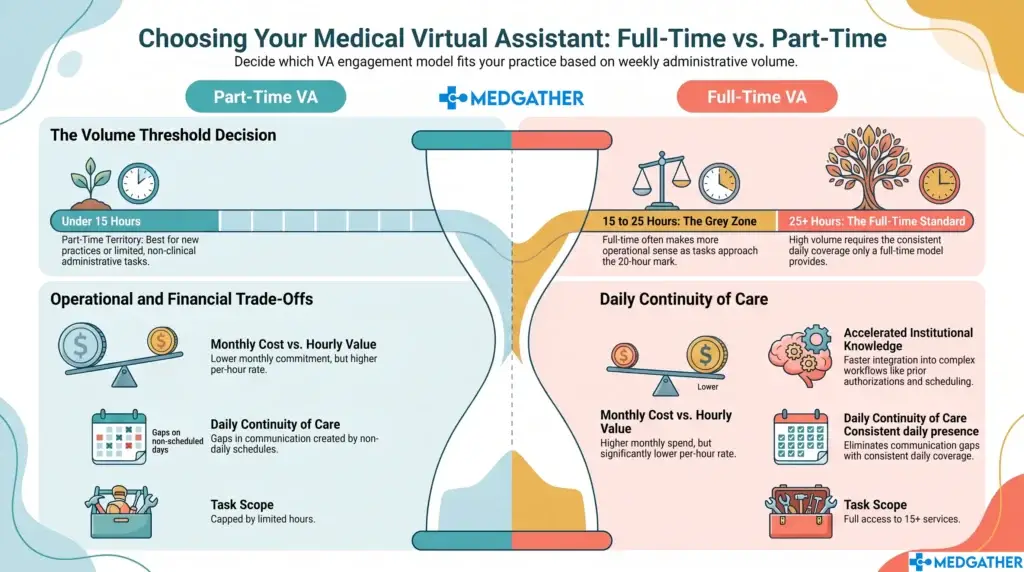
If your providers spend hours completing charts after clinic, a medical scribe is typically the better fit. If your front office struggles with appointment scheduling, phone calls, referrals, insurance tasks, or other administrative workflows, a healthcare VA can improve efficiency by taking ownership of those responsibilities.
Some growing practices benefit from both roles. A managed healthcare VA provider such as MedGather can help determine the right staffing model based on your workflow, patient volume, and administrative workload.

Board-certified gastroenterologist and Founder of MedGather. Read full bio →
What Each Role Covers
Healthcare Virtual Assistant
The administrative VA covers the operational side: patient scheduling, referral coordination, fax review, EHR data entry, and front-desk support. MedGather’s VAs are trained across Epic, Athenahealth, eClinicalWorks, and Modmed.
This is the broader role. It handles the steady volume of daily tasks that pull staff away from patient-facing work. When that layer is understaffed, the effects are predictable: scheduling errors, missed referrals, and inbox backlog. They build quietly until they become a bigger problem.
Medical Scribing
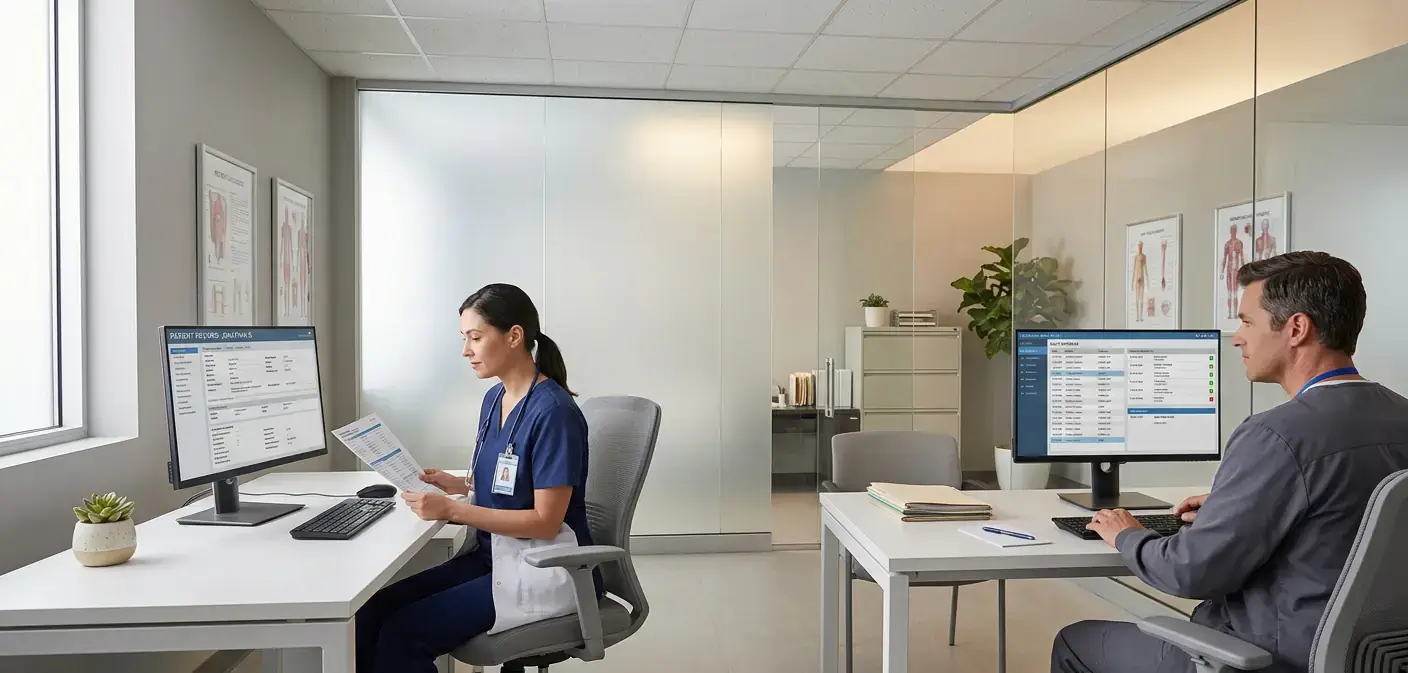
The scribe role is narrower and more clinically adjacent. Scribes handle history of present illness documentation, structured assessments, and encounter notes within the EHR, working during or immediately after patient encounters from MedGather’s supervised, office-based environment.
When charting is what is eating up physician time, this is the targeted fix. The AMA has documented physicians spending close to two hours on admin for every hour of patient care, with documentation making up a large share of that burden. That load is one of the main drivers behind administrative burnout in healthcare practices across the U.S. A scribe removes it without changing how the physician runs encounters.
Why Picking the Right One Matters
Bringing in documentation support when the real problem is scheduling still leaves the scheduling problem. Bringing in an admin VA when the physician is losing two hours a night to charts still leaves the physician losing two hours a night to charts.
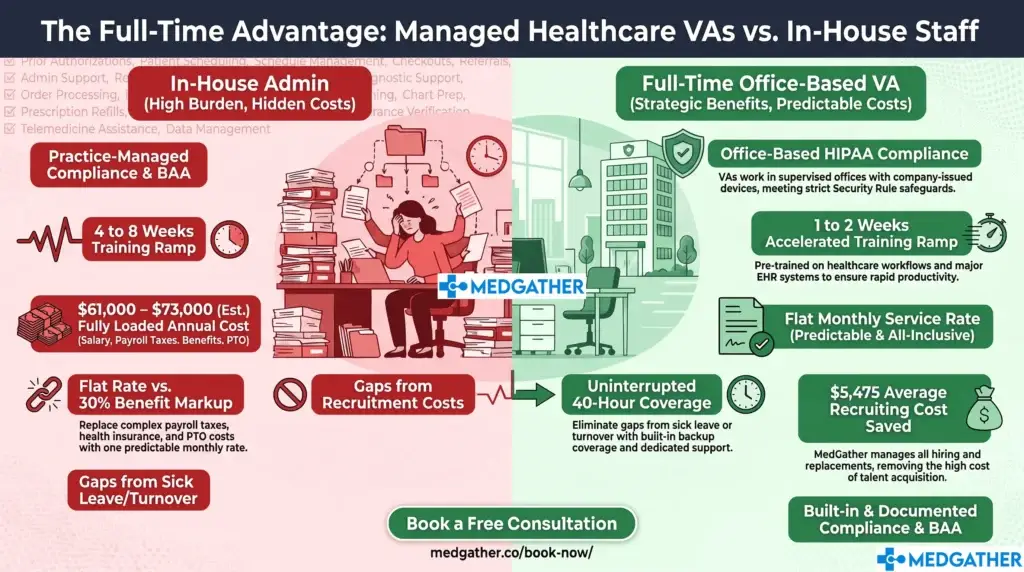
Wrong-fit support costs time and money and creates the impression that virtual support does not work, when the actual issue was a misdiagnosis of the problem. Looking at the real cost comparison between in-house and virtual options before making the decision tends to sharpen the thinking on what is actually needed.
At a Glance: Which Role Covers What
Healthcare Virtual Assistant | Medical Scribing | |
|---|---|---|
Primary focus | Administrative and operational tasks | Clinical documentation |
Core tasks | Scheduling, referrals, fax review, EHR entry | HPI, structured assessments, encounter notes |
Work setting | Remote, supervised office environment | Remote, supervised office environment |
EHR involvement | Data entry and records management | Real-time documentation during/after visits |
Best for | Clinics with front-desk and admin overload | Physicians spending hours charting post-clinic |
HIPAA training | Mandatory before any client assignment | Mandatory before any client assignment |
Can overlap? | Yes: trained across both areas when needed | Yes: when workload demands it |
Benefits for Your Practice
Both roles recover time that currently goes to the wrong person. The admin VA covers the widest range of daily functions, which makes it the right starting point for clinics where the operational layer is the primary bottleneck. The scribe role is focused, but its impact on physician time is direct and measurable.
For practices needing coverage across both areas, MedGather trains assistants with competencies in both functions. How MedGather’s remote office model manages both roles within the same supervised structure shows how that works operationally.
Common Questions
The most common concern about remote support is quality, especially for documentation. MedGather addresses this through low-error standards, supervised workflows, and client-specific onboarding before any assistant handles patient work.
The security side requires attention too. Remote access to EHRs means the environment the assistant works in matters as much as the individual’s skills. Why top practices move to secure virtual medical assistants covers how the office-based model holds up against this concern.
Not sure which role fits your clinic?
MedGather's team can review your current workflow and identify the gap before you commit to anything. No pitch. No pressure.
Frequently Asked Questions
Can one assistant handle both documentation and administrative tasks?
In many cases, yes. MedGather trains assistants with competencies across both areas. Whether that combination fits your clinic depends on volume and workflow complexity. A brief conversation with the MedGather team is the fastest way to figure out if one person covers your needs or if separate roles make more sense.
Is MedGather's documentation support completed remotely?
Yes. Assistants work during or immediately after patient encounters through your clinic’s EHR system. They operate from MedGather’s managed, office-based environment rather than personal devices or home networks, so the remote model does not create the security exposure that unmanaged home-based access typically does.
What if I am not sure which service fits my clinic?
Start with a free call. MedGather’s team will go through your current workflow and identify where the gaps are before you commit to anything. Most practices know by the end of the first conversation which role addresses the actual problem.